Markus & Claude

Successfully used @AnthropicAI Claude Code to develop mainline Linux kernel patches for the CoolPi CM5 GenBook (RK3588)! 🎉Patches available at: https://github.com/marfrit/misc_patches

Now tackling the Radxa Rock 5 ITX+ — dual 4K display support on mainline is next. Huge thanks to @Collabora for their incredible upstream RK3588 work 🙏

And suspend for the GenBook is next as soon as an appropriate UART cable arrives…

coolpi loader

Das Mysterium des GenBook Boots ist gelöst: das OEM image ist eines für unterschiedliche Geräte des Herstellers. Der Bootloader des Herstellers ist Gerätespezifisch und ändert extlinux.conf so, dass der richtige Device Tree geladen wird. Gewöhnungsbedürftiger Hack!

cool-pi GenBook

[    0.000000] Booting Linux on physical CPU 0x0000000000 [0x412fd050]
[    0.000000] Linux version 6.18.6-1-aarch64-ARCH (builduser@arch-nspawn-106937) (aarch64-unknown-linux-gnu-gcc (GCC) 15.2.1
20251112, GNU ld (GNU Binutils) 2.45.1) #1 SMP PREEMPT_DYNAMIC Mon Jan 19 13:22:47 UTC 2026
[    0.000000] random: crng init done
[    0.000000] Machine model: CoolPi CM5 GenBook

Something strange – the original boot loader seems to overwrite extlinux.conf first 27 bytes with

default coolpi_rk3588_gbook

but extlinux treats the following line

default arch

as the one being evaluated.

LVM RAID6

Do. Not. Use. At this time, a LVM raid array cannot be reconstructed with a missing physical volume. That’s a 0% chance of data recovery. Which is less than BTRFS‘ 50% chance of RAID6 recovery.

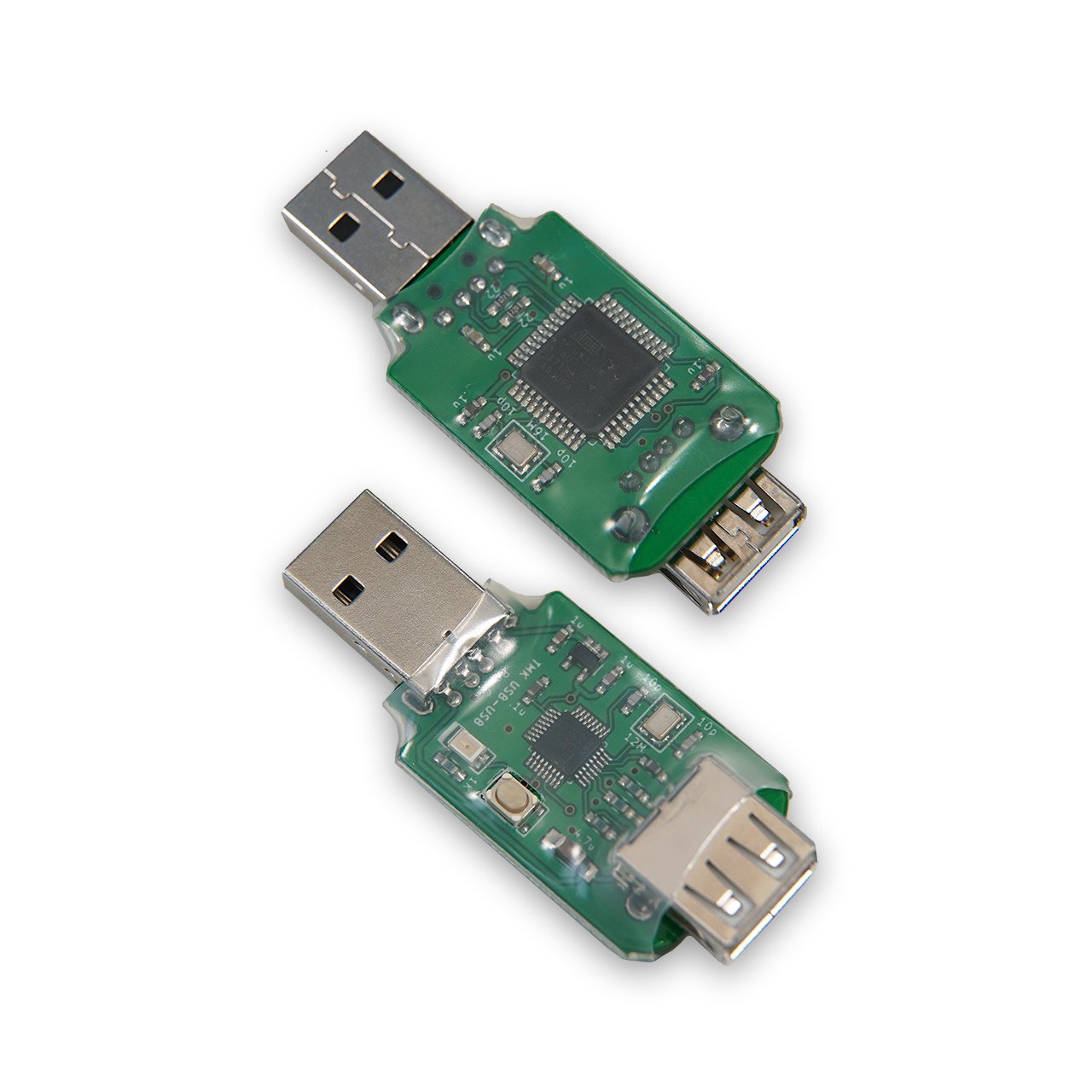
Hasu USB to USB Controller Converter » 1upkeyboards

  Turn almost any USB keyboard into a programmable keyboard! This converter, created by Hasu, allows you to change the keymap and add functions through TMK firmware. NO soldering required. Externally attached. Add up to 7 layers and up to 32 Fn keys. Supports 6KRO (or NKRO keyboards that will work in 6KRO mode). Media/System control keys and ‘Fn’ key are not recognized by the converter, but will still function as originally programmed on the board.   Please check Hasu’s geekhack thread below for the current list of compatible and incompatible keyboards as well as additional information.

Quelle: Hasu USB to USB Controller Converter » 1upkeyboards

German characters, Linux and Windows

Just in case you haven’t noticed: I’m german, and that requires to type some german characters, like ä, ö and ü (and ß) from time to time.

One problem with that: qmk takes a keypress and translates it to a keycode to be sent to the operating system. The operating system takes the keycode and translates it to a character based on the selected keyboard layout. So, if you press „Z“ on an US keyboard, it emits keycode 52, which will be translated to the letter „Z“ using the US keycode-to-character translation map.

On a german keyboard, it gets translated to „Y“. But also, SHIFT+2 is translated to @ with the US layout, and to ‚“‚ (double quote) with the german layout.

To make things worse, these translations are not consistent across operating systems; the key combinations with „AltGr“ (the right Alt key, which is different from the left Alt key in the german layout) are not the same translations on Linux and Windows.

My solution is to use the US International layout with Windows and Linux, and to remap the keys in Linux using xmodmap:

keycode 24 = q Q q Q adiaeresis Adiaeresis at Greek_OMEGA q Q
keycode 26 = e E e E EuroSign EuroSign e E e E
keycode 29 = y Y y Y udiaeresis Udiaeresis leftarrow yen y Y
keycode 33 = p P p P odiaeresis Odiaeresis thorn THORN p P
keycode 39 = s S s S ssharp U1E9E U017F U1E9E s S

This is the bare minimum needed for the umlauts to work; still need to find the switch for Windows not to treat the double quote as dead character though.

NVRM: RmInitAdapter failed!

The last couple of days I was having trouble with my GTX 980M NVIDIA (Optimus) integrated graphics card (with neon / ubuntu). The driver nvidia would load, but refuse to work. NVIDIA settings would let me switch the graphics card, but nothing happened. dmesg / journalctl contained the following lines:

kernel: NVRM: GPU 0000:01:00.0: Failed to copy vbios to system memory.
kernel: NVRM: GPU 0000:01:00.0: RmInitAdapter failed! (0x30:0xffff:663)
kernel: NVRM: GPU 0000:01:00.0: rm_init_adapter failed, device minor number 0

After installing various (known to work previously) distributions, killing my bootloader in the process (yeah, thanks UEFI) I got desperate and installed Windows 10. The card showed up with a yellow exclamation mark in the device manager, stating the card couldn’t be used because it failed starting up with „Error 43“.

Some googling suggested to try the card in another motherboard, but I was afraid that would have been a bit much for an integrated graphics card. After some more googling, I tried to use „nvflash64“ – first with the wrong bios (fortunately, nvflash refused to flash the wrong image and yielded the ID I needed to search for the right one). I found the vbios file at techpowerup. Flashed the right file and… The exclamation mark was gone! Subsequently, when I restored my linux partition (an adventure of its own, due to my stupidity), NVIDIA Settings is working again! Yay!

Webcam, Linux, cheese, vlc, skype…

During the recent home office wave, I wanted to reactivate my webcam (Logitech Quickcam Chat, yes, it only has 176x144px but that’s fine for my use case). Of course, my laptop has an integrated webcam, but that’s about 75cm above and to the right of me – I’m having a „broker-type“ desk setup.

Problem is, the webcam is not recognized by Skype for Business (using the Citrix HDX RT Media Engine), cheese or Microsoft Teams for Linux.

I found the reason – those programs only support YUY2 color formats, while the webcam (and other solutions, like droidcam) supply other formats. Solution:

  1. Install v4l2loopback from git
  2. Create a loopback video device by loading the module
  3. Start a gstreamer pipline to convert the color space

For my quickcam chat, it looks like this:

gst-launch-1.0 -v v4l2src device=/dev/video2 ! video/x-bayer ! bayer2rgb ! videobalance saturation=0.8 ! videoconvert ! video/x-raw,format=YUY2 ! v4l2sink device=/dev/video4
/dev/video2 being the device of the webcam, /dev/video4 being the loopback device created earlier by loading the loopback module.

The loopback module has to be started with more than default buffers:

sudo modprobe v4l2loopback max_buffers=16

An example for droidcam (droidcam being /dev/video3):

gst-launch-1.0 -v v4l2src device=/dev/video3 ! smooth ! videoconvert ! video/x-raw,format=YUY2 ! v4l2sink device=/dev/video4