linux-3.4.101 for buffalo linkstation duo (LS-WXL)

Hello,I made a patch for kernel 3.4.101 to work on the LS-WXL (Linkstation Duo). It’s available for download at https://dynamic.reauktion.de/buffalo-3.4.101.patch.gz.

I took the buffalo kernel sources, created a diff against a vanilla 3.3.4, applied that to 3.4.101 and integrated the .rej where appropriate. Since I’m not a kernel hacker, I might have removed bits that differed between vanilla 3.3.4 and the version Buffalo used… Also, I did some shortcuts to make sure the files in mach-ferroceon and plat-ferroceon will compile.

Beware: XFS is not working (not sure if that’s because there are changes to the XFS code by Buffalo not distributed or if it is related to the version of gcc used to compile the buffalo kernel vs. the debian gcc-4.7 I use).

I use this kernel to operate my debian wheezy linkstation.

Update: Kernel config for said kernel.
Apps kaufen?

In der Vergangenheit habe ich relativ viele „Apps“ im Play Store gekauft. Die nützlichsten sind mittlerweile entweder kostenlos, und man kann dazu dann addons kaufen, oder freche Variante: die Version, die ich gekauft hatte wurde in eine werbefinanzierte App umgewandelt und ich dürfte mir noch einmal eine Pro-Version ohne Werbung kaufen.

Meine Lust, Geld auszugeben erhöht sich dadurch nicht wirklich. Ich fühle mich eher übers Ohr gehauen…

MAASive warning

If you’re playing with Ubuntu MAAS on your machine… be sure to disconnect any important USB drives. The installer is not very picky where it puts the base system. Did overwrite my VM USB drive.

MAAS node creation

I’m not impressed. So far, I wasn’t able to add nodes to my Ubuntu MAAS master machine. I installed my MAAS master machine being connected to my home network, which, like about 99% of home networks, has an existing, none configurable DHCP server present.

MAAS doesn’t play well if it’s not being the DHCP server of the local network. And MAAS apparently doesn’t play well, if it’s being installed on a machine that was DHCP configured by anoter DHCP server – the configuration step puts the network config in various places.

No problem – install Ubuntu Server with MAAS from an USB stick without being connected to the internet! Doesn’t effing work, since Ubuntu server 14.04 offline installation from USB stick seems to be broken.

Really, not impressed.

NUC Cluster

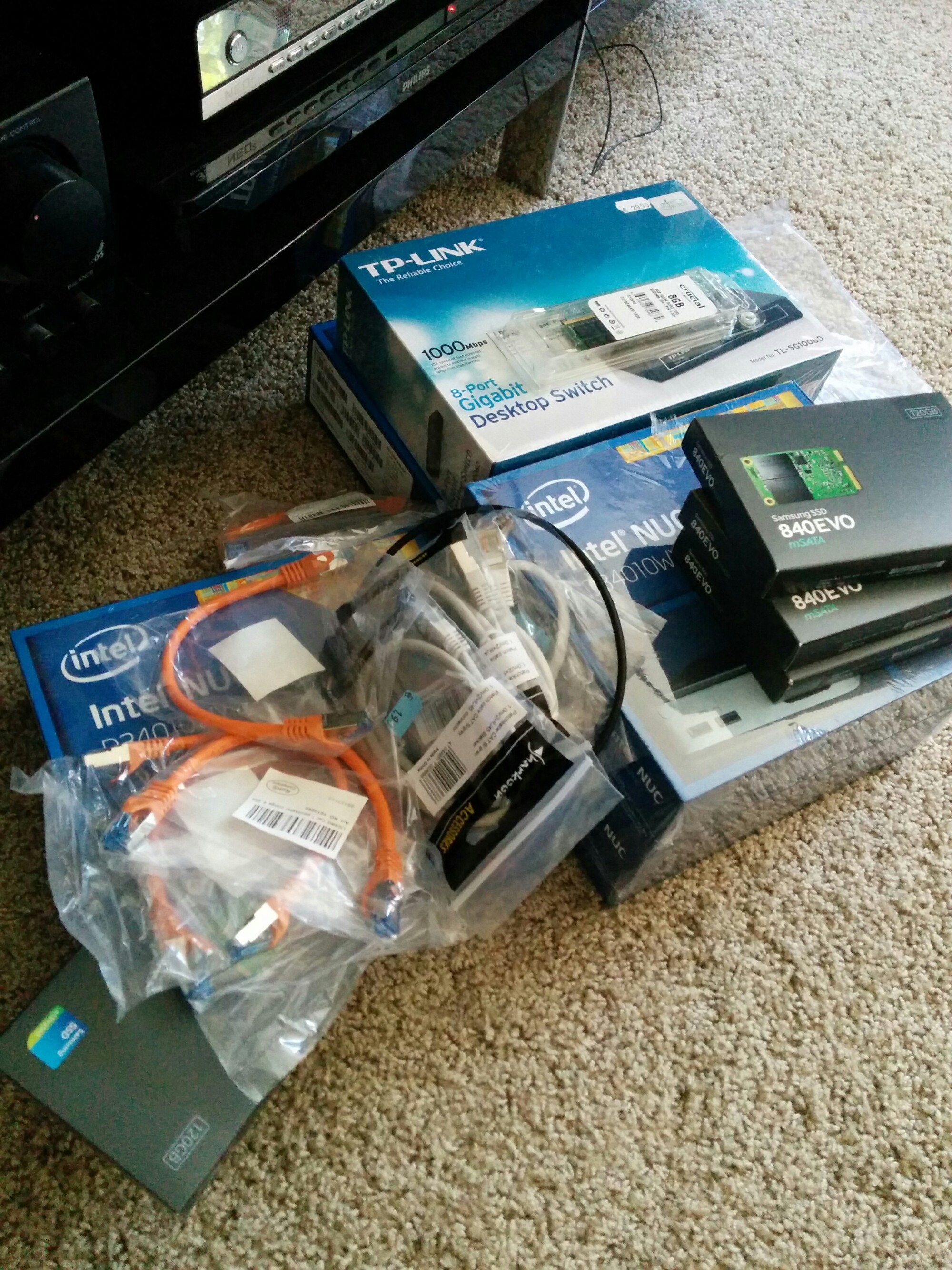
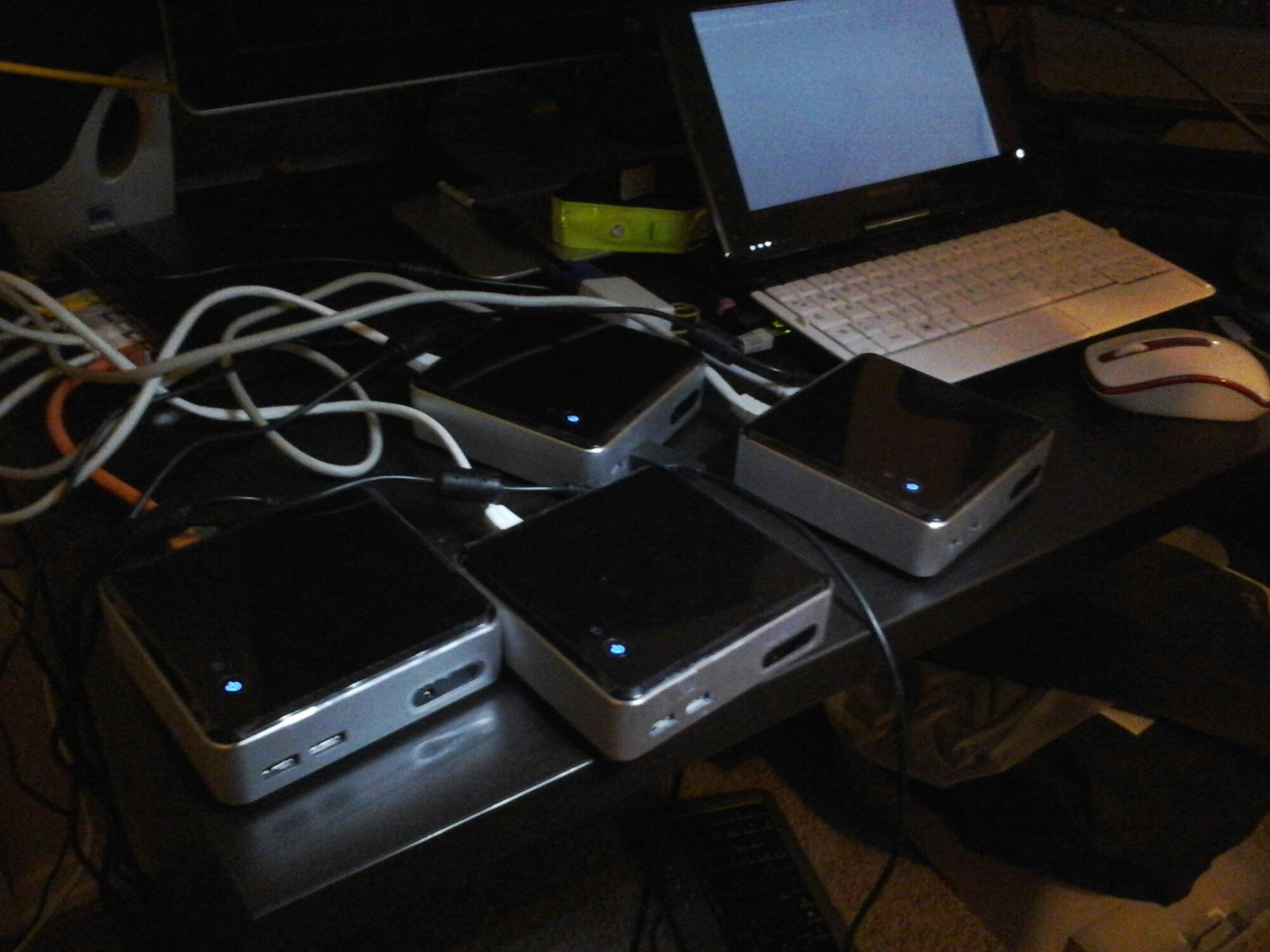
Once my RAM arrives, I will have a four node private cluster consisting of

  • 4 x Intel NUC-Kit D34010WYK
  • 4 x CT102464BF1339 (Crucial 8GB DDR3 1333 MT/s PC3-10600 / SODIMM 204pin / CL9)
  • 4 x Samsung MZ-MTE120BW mSATA SSD 120GB
  • an GB ethernet switch and some patch cables

The plan is to build that into a case – an executive briefcase – or one of those bad ass sniper rifle cases. Use cases include

  • usage distcc nodes for my embedded device experiments
  • experimenting with Ubuntu MAAS
  • building and testing a distributed/ multi node database setup
  • … whatever comes up thereafter ;-)


Victory!

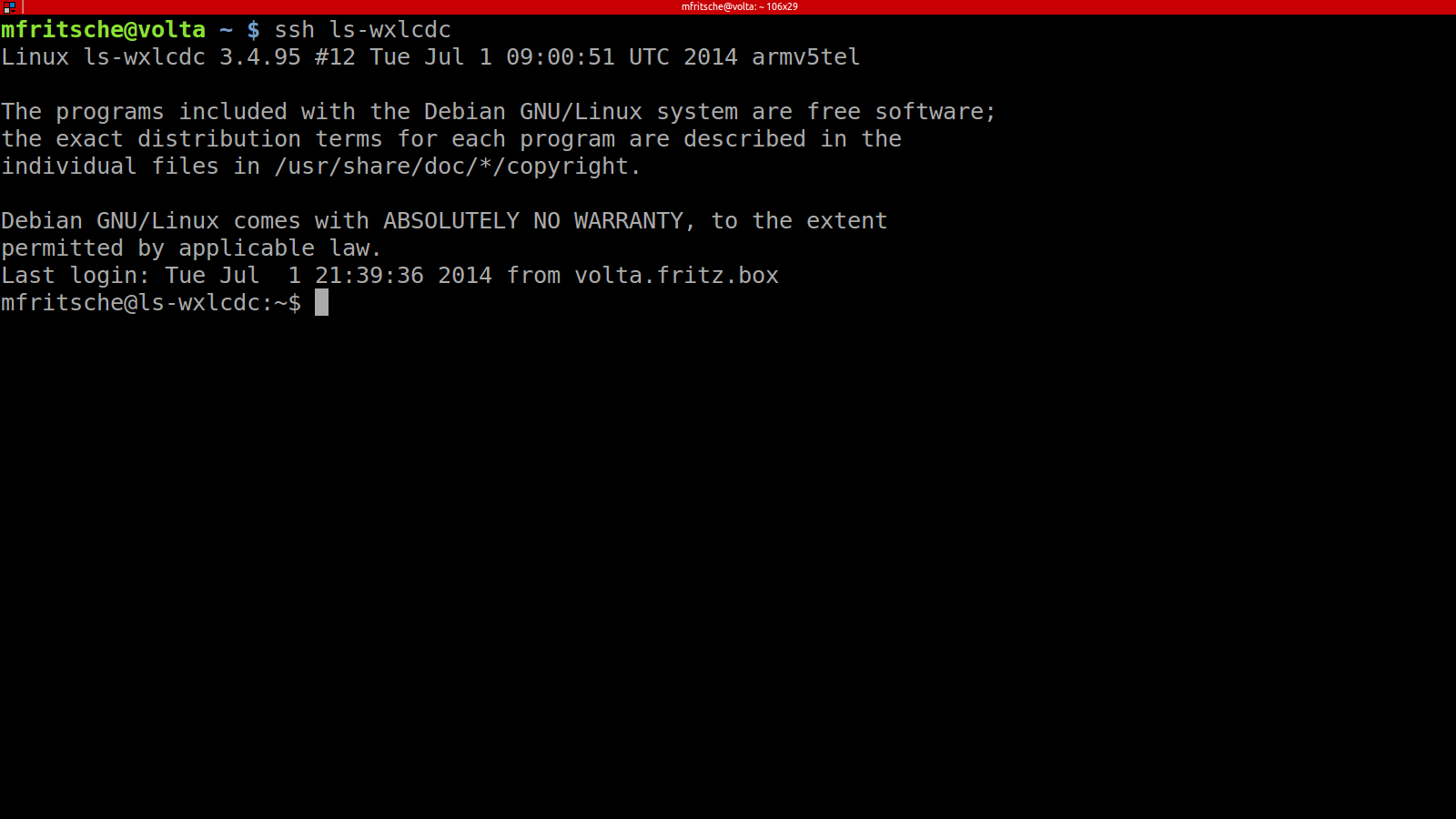
Screenshot from 2014-07-02 07:20:46I finally managed to get debian wheezy with a LTS 3.4.95 kernel (with all buffalo patches) to work on my LinkStation!

XFS doesn’t work since somewhere between the gcc-4.x / kernel code there is a bug (which does not come up in the buffalo compiled version of the kernel) but I don’t mind since I won’t use xfs anyways.

Here’s your GPL dump

One time… one single time… I’d like to have vendors post EXACTLY what version they used to base their published code on. I am trying to single out the changes from the vanilla 3.3.4 kernel to the 3.3.4 kernel made available for download by Buffalo – hard to do, when there are a gazillion changes that are not related to buffalo’s code!